PineTime Review
2026-07-13
The PineTime is a smartwatch manufactured by Pine64. It runs InfiniTime by default, though you can flash other firmware. I've had it for three weeks, and here's a review.
Hardware
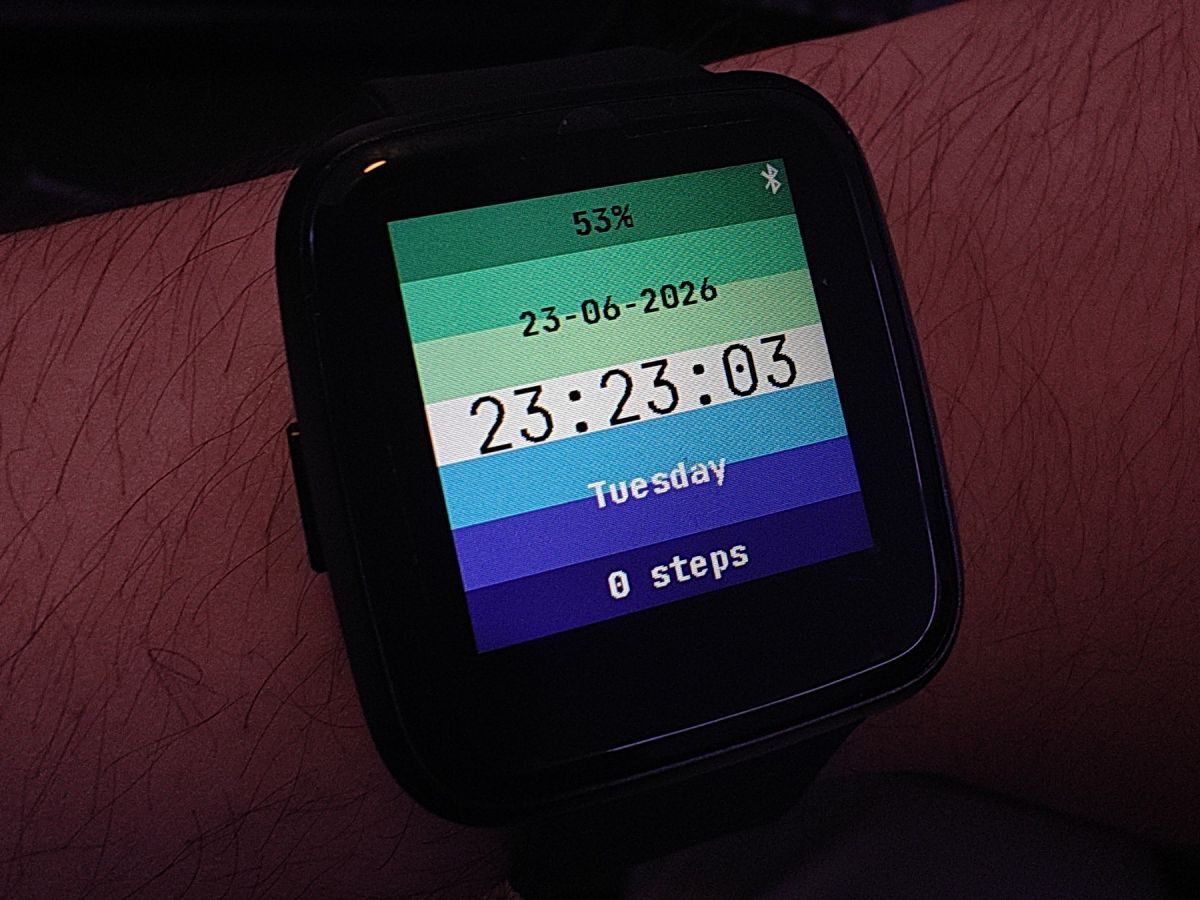
Feels quite solid for the price ($27), but not heavy at all. The wristband is plastic, but you can change it (I didn't feel the need to). There's one single button on the left. Pressing it wakes up the screen, and when the screen's on already, it generally acts as a back button.
Other ways to wake up the screen include various gestures. I enabled shaking and double tapping. These generally work, and there's a setting where you shake and it calibrates how hard a shake is a shake.
The screen is an IPS LCD with three backlight levels, and I find it sufficient. Touch is quite finnicky, but that's to be expected from my fat fingers. Sometimes water from the tap registers as swipes. (Yes, it is waterproof, but the product page advises against swimming or showering with it.)
The only other form of user interaction is a vibration motor, and it's a pretty unintrusive way to receive notifications. It's also used by the alarm clock to wake you up. There's also a metronome app that makes use of it, though it proved ineffective when playing an instrument that vibrates itself.
The heart rate sensor can be inaccurate; once I was on a jog when I could feel my heart going >140 bpm, but the sensor was reporting a mere 58. However, the 24h graph did see a spike whenever I did intense activities.
The pedometer seems to register my walking fairly accurately. However, I have not checked if jogging was accurate, or if being in an e.g. shaky bus incorrectly registers as walking.
Watchface
What's great about InfiniTime is that it's free software, so there's a bunch of community-driven watchfaces (and apps, see below). Of these, I find PineTimeStyle the most practical (big digits, weather, steps all on one page). It's among the ones you can customize (you can ask it to generate a random color scheme for the foreground and background, but it tends to be hideous). Casio G7710 looks cool. Pride flags allows you to choose from men-loving-men, lesbian, bi, and trans, and there's a PR to add more.
Android integration
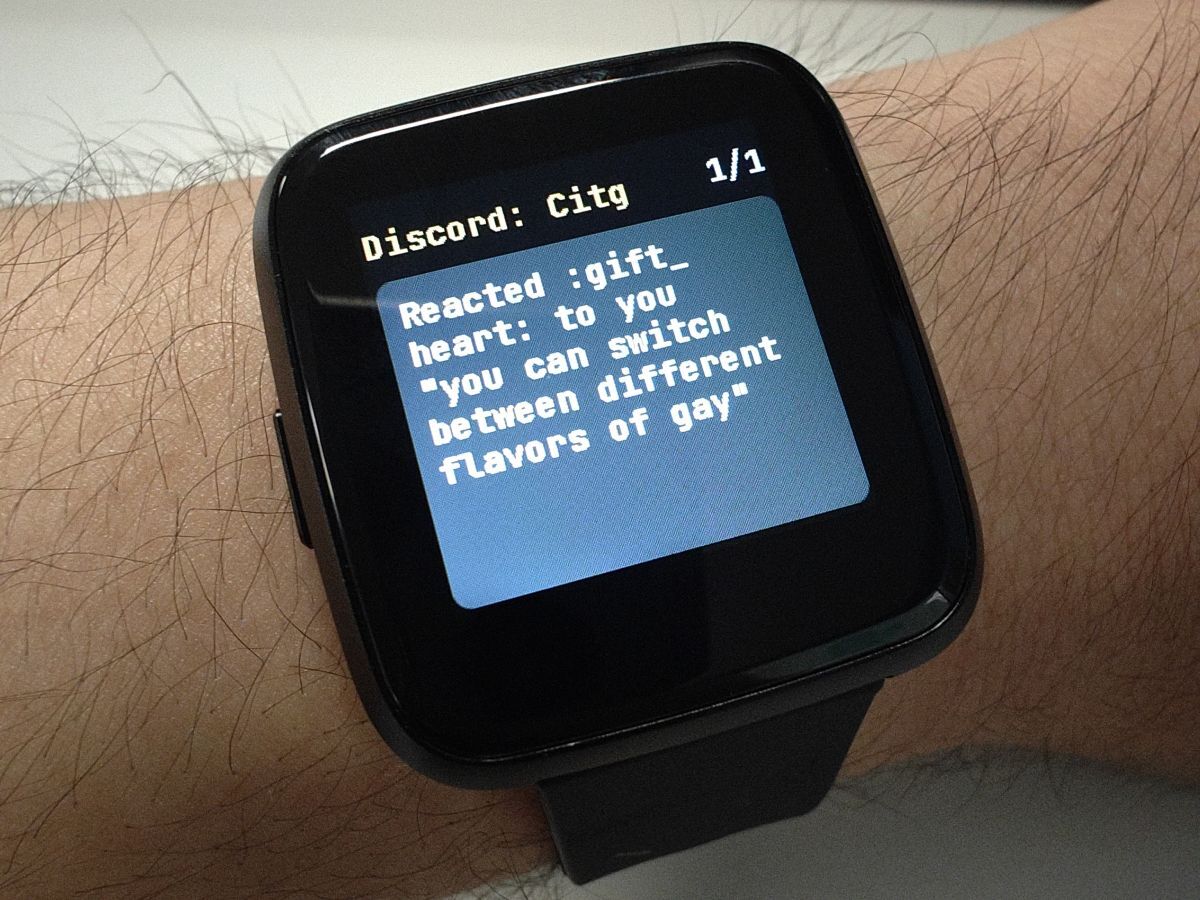
The companion app, Gadgetbridge, gets steps and battery from the watch, and the watch gets notifications and weather from my phone. My weather app, Breezy Weather, has a Gadgetbridge integration. In addition, I can control music playback from my watch, which is not necessarily easier than doing it on my phone, but it's a cool feature nevertheless.
However, I was not able to get sleep data from it, nor the times of day I was active.
I have yet to test navigation, though I doubt if I'll ever need it.
UI
Absolutely gorgeous for an embedded project. The UI framework is LVGL, and their website is so React-core, it made me check twice that I'm looking at things that go in embedded systems. (I've always associated those with kernel.org style CSS.)
Of course, the PineTime is too resource-constrained to run the fanciest stuff,
but the widgets work surprisingly well, though the sliders can behave
unexpectedly, probably due to the touchscreen. The code was pretty ugly though
(C functions in the middle of C++ code, lv_ prefixes everywhere).
That said, there's a few hardware limitations in the way. The LCD renders vertical scrolls in hardware, but not horizontal scrolls. Therefore, the latter are done in software, by refreshing vertical bars of the screen in a stride that makes it appear faster than it really is. (It's like, if you have 8 bars, you can render 1-3-5-7-2-4-6-8, which makes the "wavefront" appear twice as fast as 1-2-3-4-5-6-7-8.) This is arguably a pretty cool, if unintended, animation.
Another hardware limitation is the LCD's 16-bit colorspace, so instead of 8 bits for each RGB channel, you get 5+6+5, but this hardly affects anything at all.
Apps
The factory image had all the apps I need, but—I can't believe I'm saying this—the GitHub image was somewhat bloated. It came with fucking games. Pong (called Paddle), 2048 (called Twos), and a few non-games I'll never use such as a paint app and dice roll. They were not problematic in terms of flash space, but more of clogging the "app launcher", which shows only 6 per page, so I had to scroll twice to get to the last one.
Fortunately, InfiniTime is free software, so I could just rebuild it without the bloat. Unfortunately, the build system was quite obnoxious (though not the worst I've dealt with).
OS
Can you really say this thing has an OS? Well it has a launcher, so I'm just gonna equate OS to firmware minus apps.
My favorite feature is night mode. It's like silent mode, but it also disables tap-to-wake and shake-to-wake so you can't accidentally tap things while asleep, but the problem is I always forget to disable it when I wake up, so I miss notifications. I believe there's discussion to add scheduled night mode.
Build system
I cloned the InfiniTime repo, and now I need to setup the build system. The tutorial lists the arm-gcc compiler, an SDK for the Nordic MCU, several Python libraries, and a Node.js tool to generate font bitmaps. So you basically need a C cross-compiler, a Python runtime, and a Node.js runtime just to compile this thing.

The arm-gcc version mentioned (10.3) was released in 2021 and has been deprecated, so I downloaded the latest instead. Lo and behold, the latest version was spitting out error messages referencing macros that don't even exist. Fortunately I could still download 10.3, which worked. (This might explain why InfiniTime has a tutorial for building with Docker, which, if absolutely needed for an embedded project, means someone's doing something very wrong.)
To remove apps, all I had to do was define a list of apps to keep as a cmake variable, so at least that was easy. I stripped the games and the paint app, but I did keep the calculator with unusably small buttons.
Simulator
InfiniSim is the official simulator for InfiniTime. The repo contains InfiniTime as a submodule, so you could skip cloning the standalone InfiniTime repo. It works quite well, but it always exits by segfaulting for some reason.
Firmware updates
Update were done in Gadgetbridge via BLE; I just needed to select a zip file. I did it twice, the first time to replace the factory image with the latest official build, then to flash my custom debloated build. The process was mostly painless except one small hiccup for the first time.
The bootloader, MCUBoot, provides a failsafe mechanism similar to A/B partition. If the user does not "validate" the new firmware, it will rollback to the old one on the next boot. I like this feature, because I don't like bricking my watch.
So I transmitted the new zip, and it rebooted; so far so good. However, I have one more zip file containing all the new assets (bitmaps, etc), so I uploaded that without validating the firmware. And once it rebooted again, I realized it had rolled back to the factory image. The solution was simple, just flash the new image again, and validate it right away.
Tangent: The upload speed was around 2 kB/s, equal to what I observed when I was uploading images to Mosbadge, so it seems that the problem was not with my code but a bottleneck of BLE and the protocol.
Battery life
The documentation claims "a week-long battery", but to my delight, it was actually longer than that! I charged it to 100% on a Wednesday morning, then it discharged until the next Friday when it finally started whining low battery (which was 15%). I'm pretty sure it could survive the night, even another day or two, so I would confidently say it has an at least 10-day battery life. However, it might be shorter had I turned on periodic heart rate monitoring.
2026-09-11 update: I turned on heart rate monitoring every 5 minutes, and the battery life did not drop significantly. From 100%, it discharged to 15% in 7 days.
Durability
2026-09-11: Three months have passed, and it's still in great condition. No major scratches or cracks, despite me hitting it every other day on walls, tables, etc. I've never showered with it on, but have washed hands and dishes. Sometimes I wore it to sleep with heart rate monitor on.
Conclusion
Solid for the price you pay, especially with the promise of no one selling your data, and you will have access to all its functionality for as long as the hardware works. The community's constantly cooking, and you get to decide which new features you want and which ones you don't. The PineTime is truly a pine-acle of open source wearables.